
Analytics
Analytics helps operators understand how Runtara is being used and whether the system is healthy.
Usage
Usage analytics summarize execution volume and activity over time.
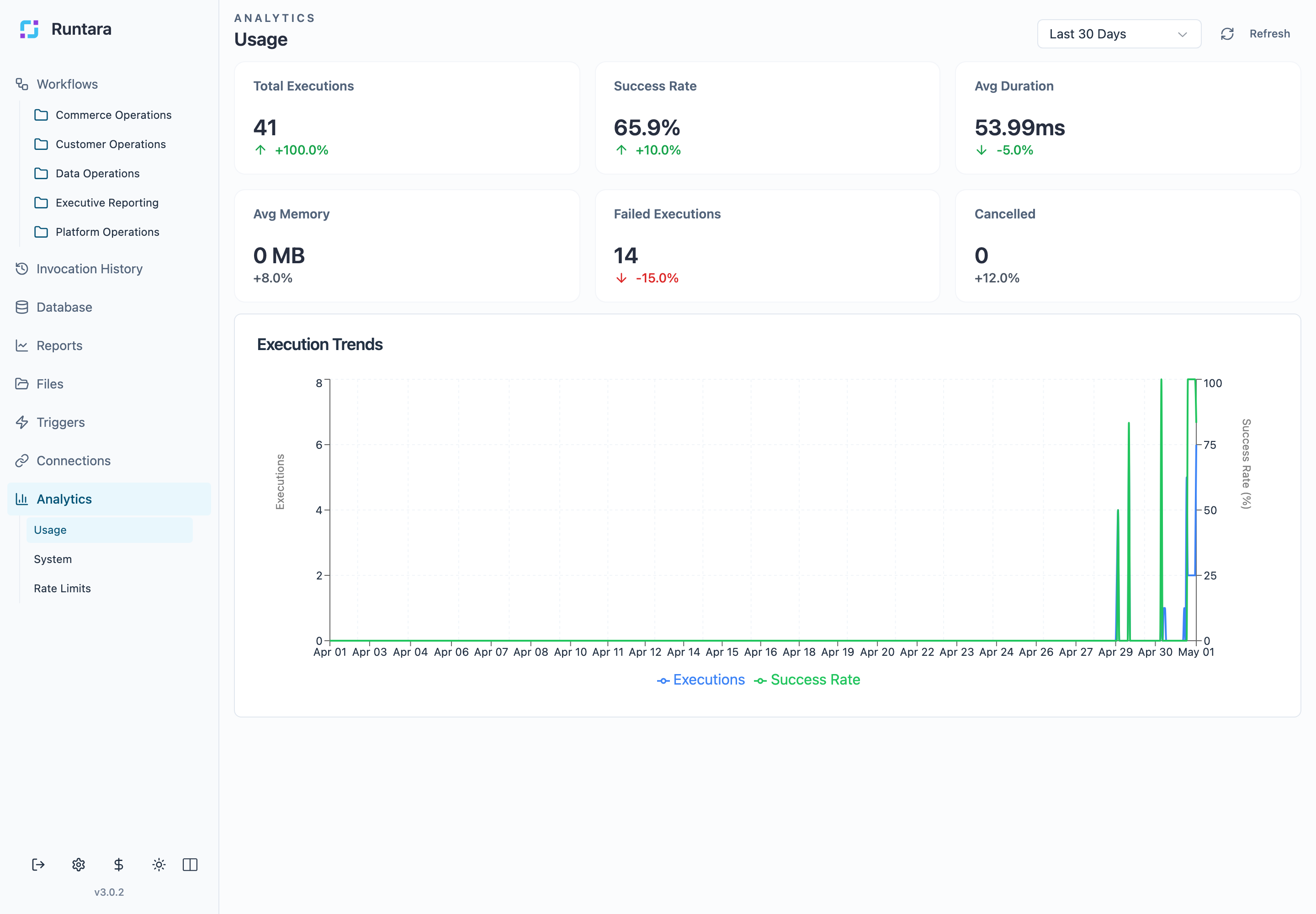
Use this view to understand adoption, run patterns, and operational load. Review it after enabling new triggers, publishing a new workflow, or onboarding a team to the platform.
System
System analytics summarize platform-level signals.
Use this view when investigating whether a behavior is isolated to one workflow or part of a broader system issue. Compare system-level signals with Invocation History before changing a workflow definition.
Rate Limits
Rate-limit analytics show quota and throttling behavior.
Use this view when workflows are slow, provider calls are failing, or a connection reports high request volume. Rate-limit issues often involve both the workflow design and the connection provider limits.
Good Practices
- Review Usage after enabling new triggers.
- Review Rate Limits after adding provider-heavy workflows.
- Use System analytics before assuming a single workflow is the only source of a failure.
- Pair Analytics with Invocation History for root-cause analysis.