
Invocation History
Invocation History shows workflow executions across the organization. Use it to answer what ran, when it ran, whether it succeeded, and where to inspect failures.
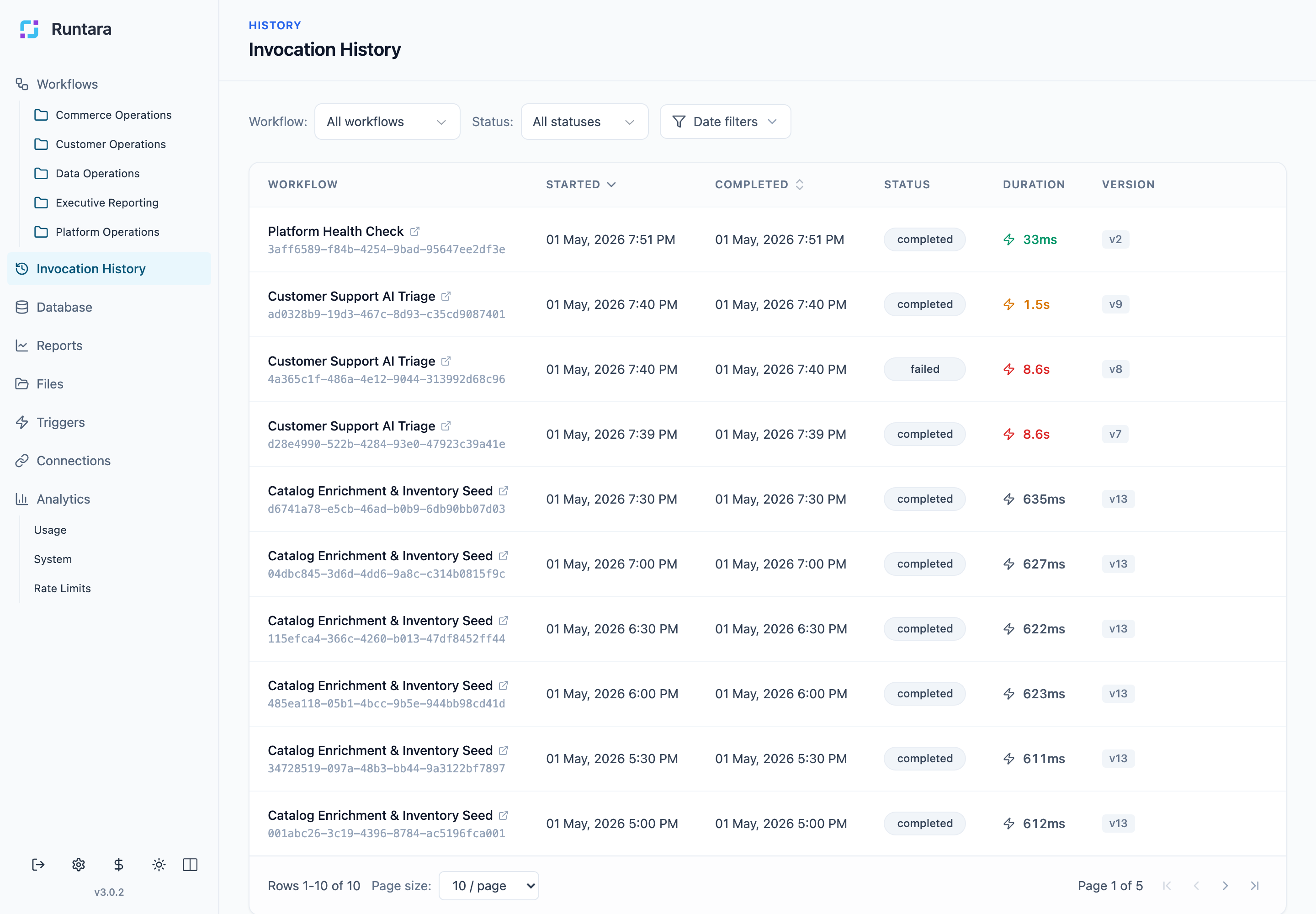
Review Runs
Open Invocation History from the sidebar. The table shows recent execution records across workflows and triggers.
Use this page when:
- A trigger should have started a workflow.
- A user reports a failed or delayed run.
- You need to inspect execution timing or status.
- You need to drill into workflow logs.
Execution Details
Open an execution to view workflow-specific history. From there, inspect step output, errors, pauses, resumed runs, and logs.
If a workflow failed, identify the first failing step before changing the workflow. Later steps may only be missing output because an earlier step failed.
Common Statuses
Execution status tells you the run state:
- Completed: the workflow reached its finish state.
- Running: the workflow is still active.
- Failed: one or more steps errored.
- Paused: the workflow is waiting for input or a resume event.
- Canceled or stopped: the run was intentionally interrupted.
Operational Use
Use Invocation History together with: