
Database
The Database area manages object types and object records. Object data can feed reports, workflow steps, and operational review screens.
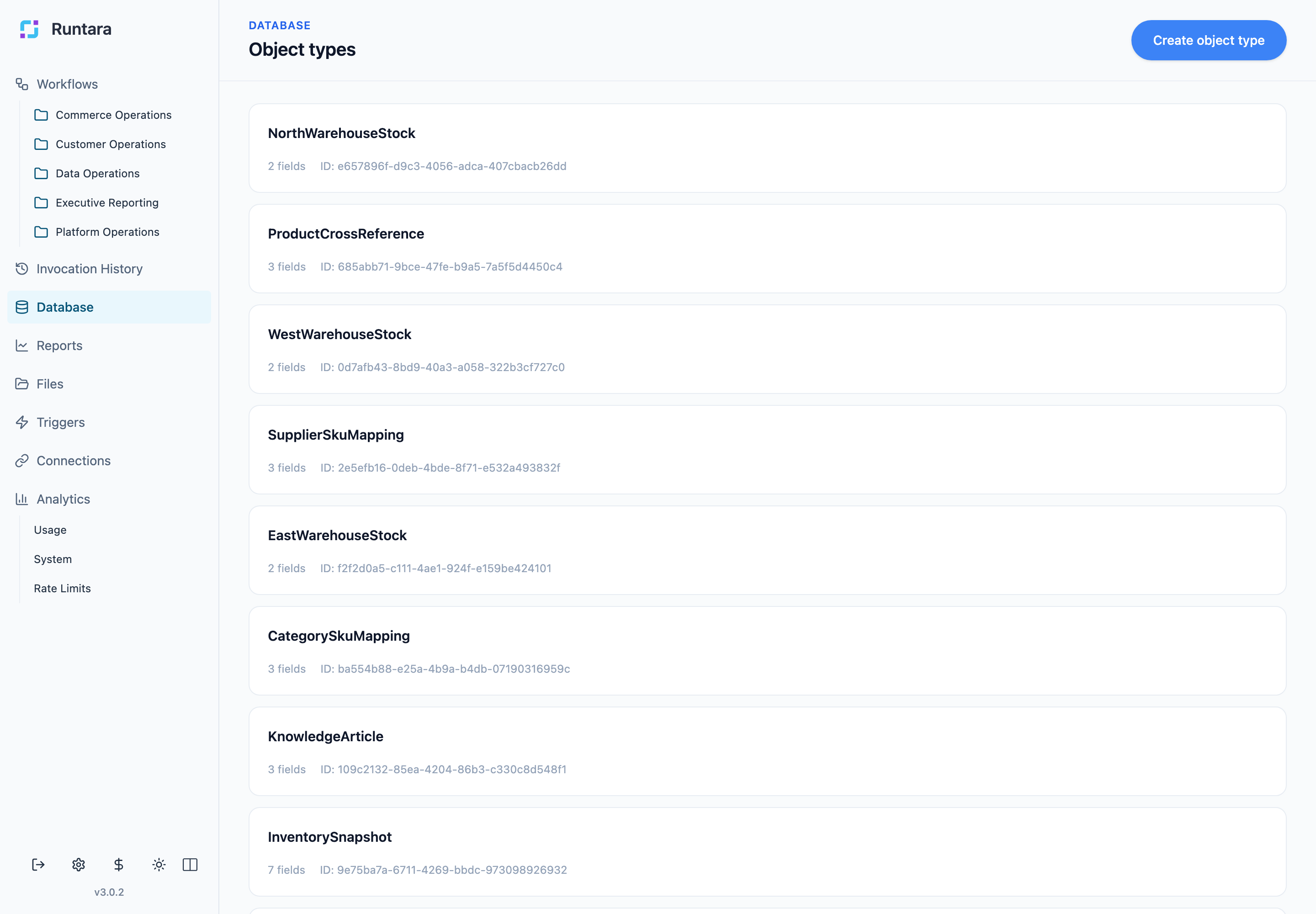
Object Types
Open Database to see object types. Each object type defines fields and records for a business entity, such as catalog products, inventory snapshots, supplier mappings, warehouse stock, or knowledge articles.
Use Create object type when you need a new reusable data shape. Define fields carefully because reports and workflows can depend on field names.
Object Records
Open an object type to manage its records.
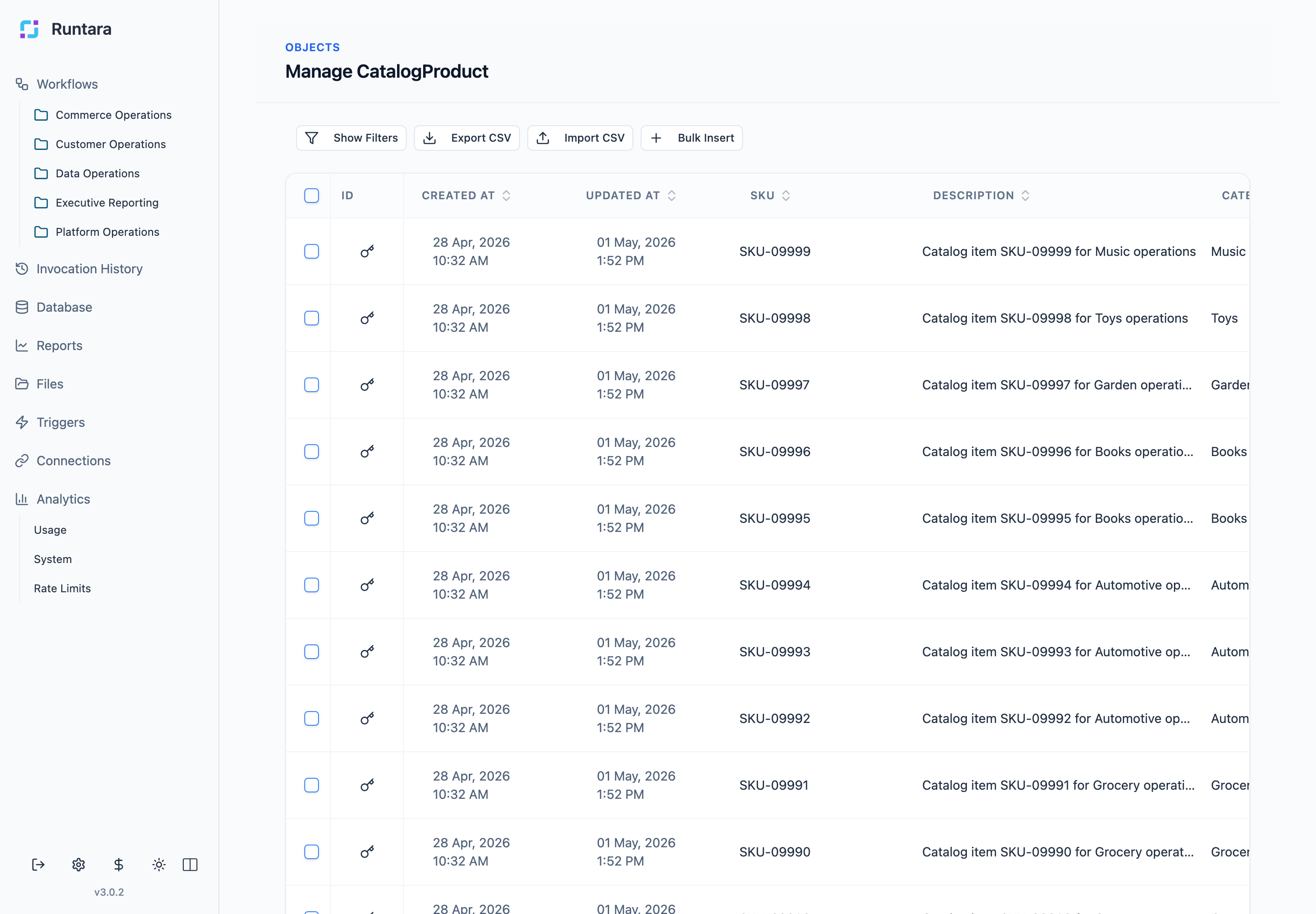
Record screens support common data operations:
- Show Filters: narrow records by field values.
- Export CSV: download records for external review.
- Import CSV: load records from a CSV file.
- Bulk Insert: add multiple records at once.
- Row edit: open or edit an individual record.
Using Data in Reports
Reports select an object type as the source schema for blocks. Chart, table, and metric blocks can group, aggregate, filter, and display fields from that object type.
When a report fails because of missing fields or missing schemas, check the object type first. The report source must match an existing object type, and the report block fields must exist on that type.
Using Data in Workflows
Workflow steps can read, transform, or create object records. Use object data when a workflow needs stable business context, such as product metadata, supplier mappings, support articles, or warehouse stock.
Good Practices
- Use stable field names once reports or workflows depend on them.
- Confirm required fields exist before wiring an object type into reports or workflows.
- Use imports for large updates instead of manual row creation.
- Confirm record freshness before using a table as an operational source of truth.